Interactive Map
?
Click or tap a continent, zone or city on the map to open it. Hover an area to see its name and boundary. Drag or use arrow keys to pan. Use the back button, right-click or press Backspace to return. Terrain stays continuous while you pan across zone borders. Pinch, use the wheel, or press + and − to zoom; 0 fits the current area. Switch between Map and Terrain at any level.
Numbered pins group nearby locations; open one to zoom in. Select a location for its coordinates and source. Bookmarks stay in this browser. Pin lets you mark and share your own position.
Map art is sourced for Forever build 1.60.1.70862. Community terrain and location data are supplemental references with their origins shown. QuestieDB Forever coordinates can inherit Classic data and are not live spawn tracking. Pure Classic entrance references are off by default. No walkable-route or live-game validation is implied.
Locations & filters
Locations
Choose a zone or search for a location.
Azeroth
Explore areas
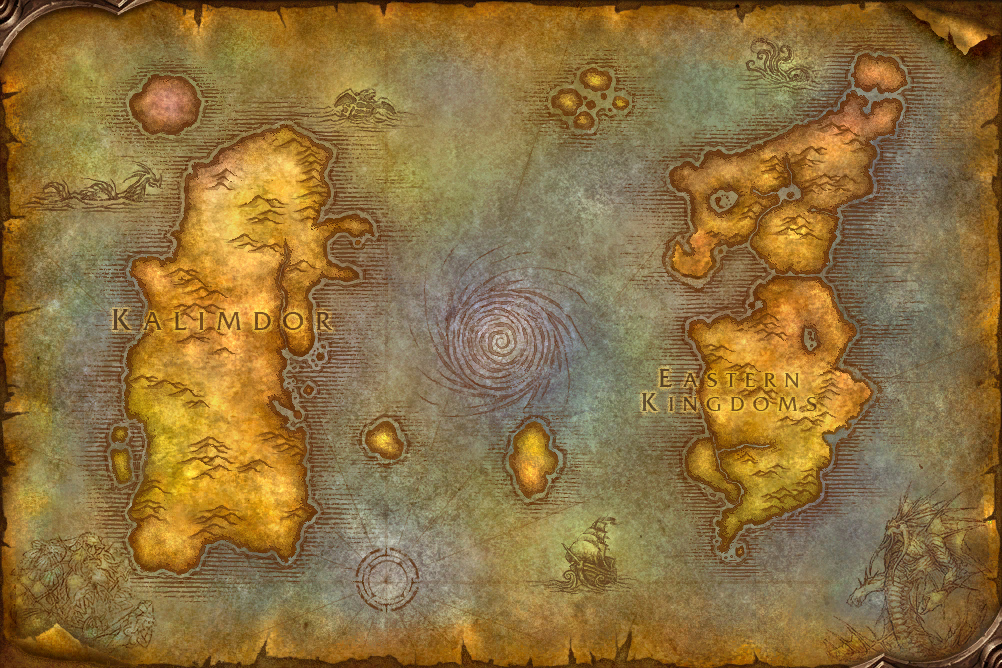
Click an area to explore
Zone guideForever map art · 1.60.1.70862Dungeon planner
- ◆Dungeons & raids
- ⌂Towns & travel
- ●NPC services
- ♧Gathering
- Numbers group nearby locations